
Tag Manager Account Sharing
- kwangjin baek
- Dec 7, 2022
- 1 min read


Today, we are going to see how to give permission in Google Tag Manager.
Click 'Admin' in the top menu

You can give 'Account' (an account can have several containers) level permission or 'Container' (this is a website scope) permission.
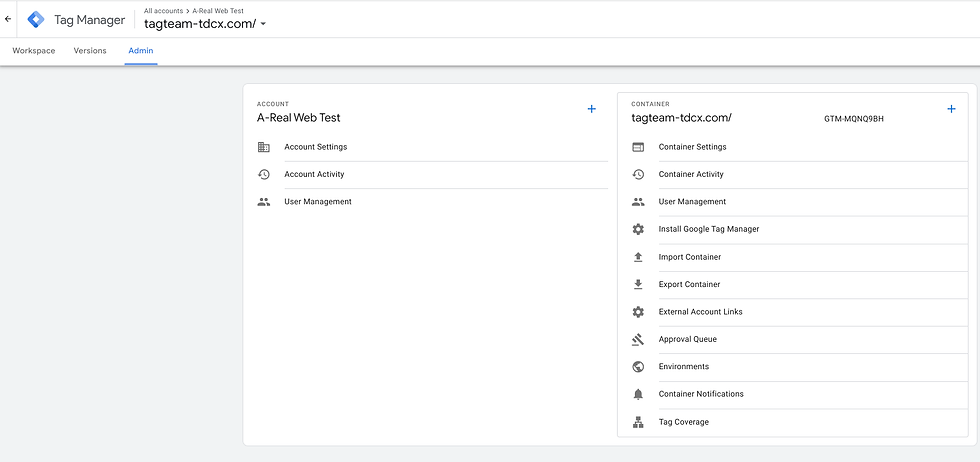
Account permission
on the left side of the box click the last option that says 'User Management'
Click the '+' button on the right, then click 'Add users'

Enter the email address -> check the administrator (if you want share administrator authority)

Click 'Set all' and check the permission you want to give. Click 'Done'

Click 'Invite'

Container permission
Click 'User Management' under container

Click the '+' button on the right, then click 'Add users'

Accepting the invitation
Then email will be sent to the person you are giving the permission to. After opening the email the person will see the invitation below (they just need to click the box and then click ' accept'


Comments